cd .. # back to victorfalcon.es
cat zancada/README

zancada
Your walking pad steps, in Apple Health, Health Connect and Fitbit
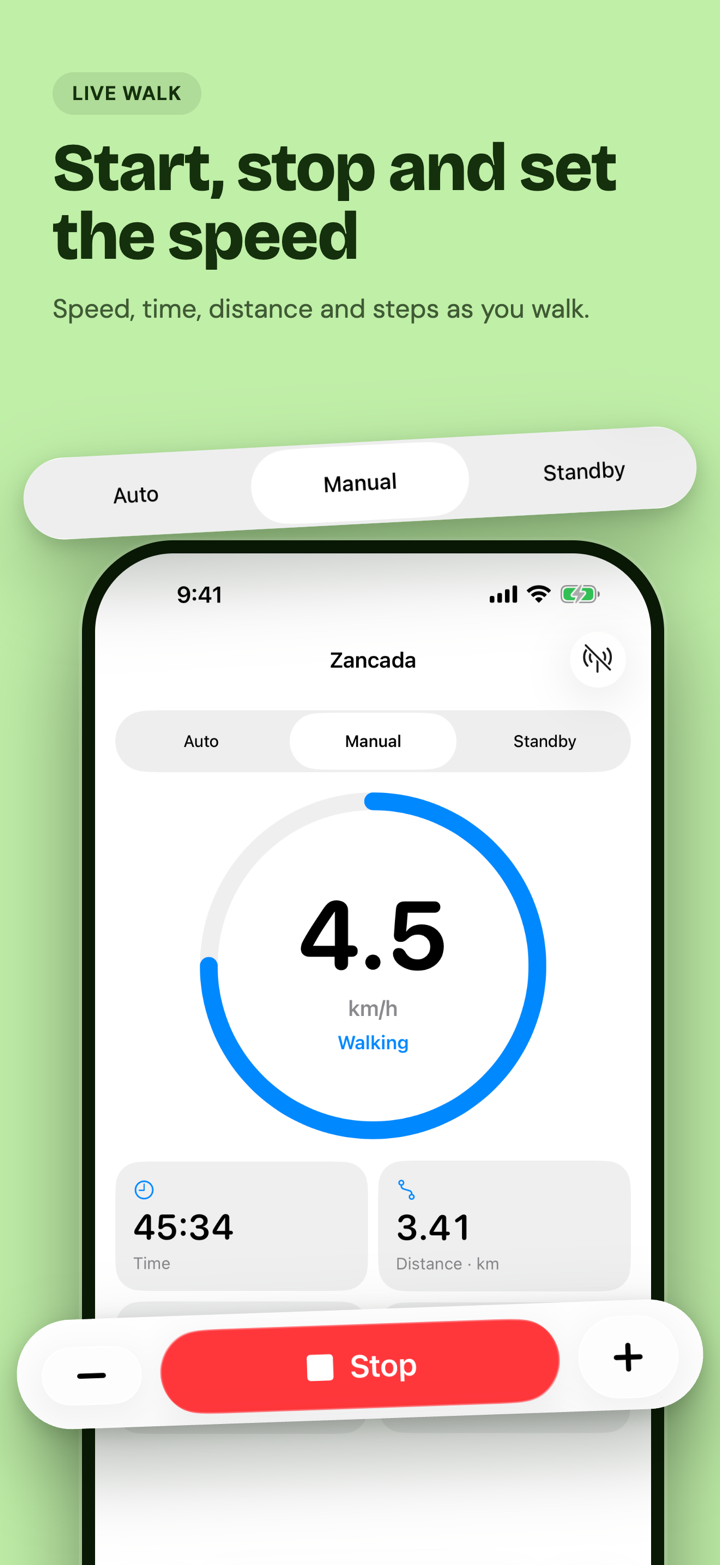
Walking on a pad under your desk, but your watch barely counts a step because your hands are on the keyboard? Zancada takes the walk from the treadmill itself. It connects to your walking pad over Bluetooth, lets you control the belt from your iPhone or Android phone, and saves every walk — steps, distance, time, speed and active calories. On iPhone it goes to Apple Health and counts towards your rings; on Android it goes to Health Connect, so it shows up in Fitbit, Google Health and the other apps that read it.
Works with KingSmith WalkingPad, the Z1 and KS-C2 included, the WalkingPad N1 Pro, LifeSpan Omni and many FTMS or FitShow pads from other brands. Try it with yours first: your first three walks are free.

iOS 26 or newer · Android 15 or newer
cat features.txt
- bluetooth leconnects in seconds, no account
- five protocolskingsmith, lifespan, fitshow and ftms
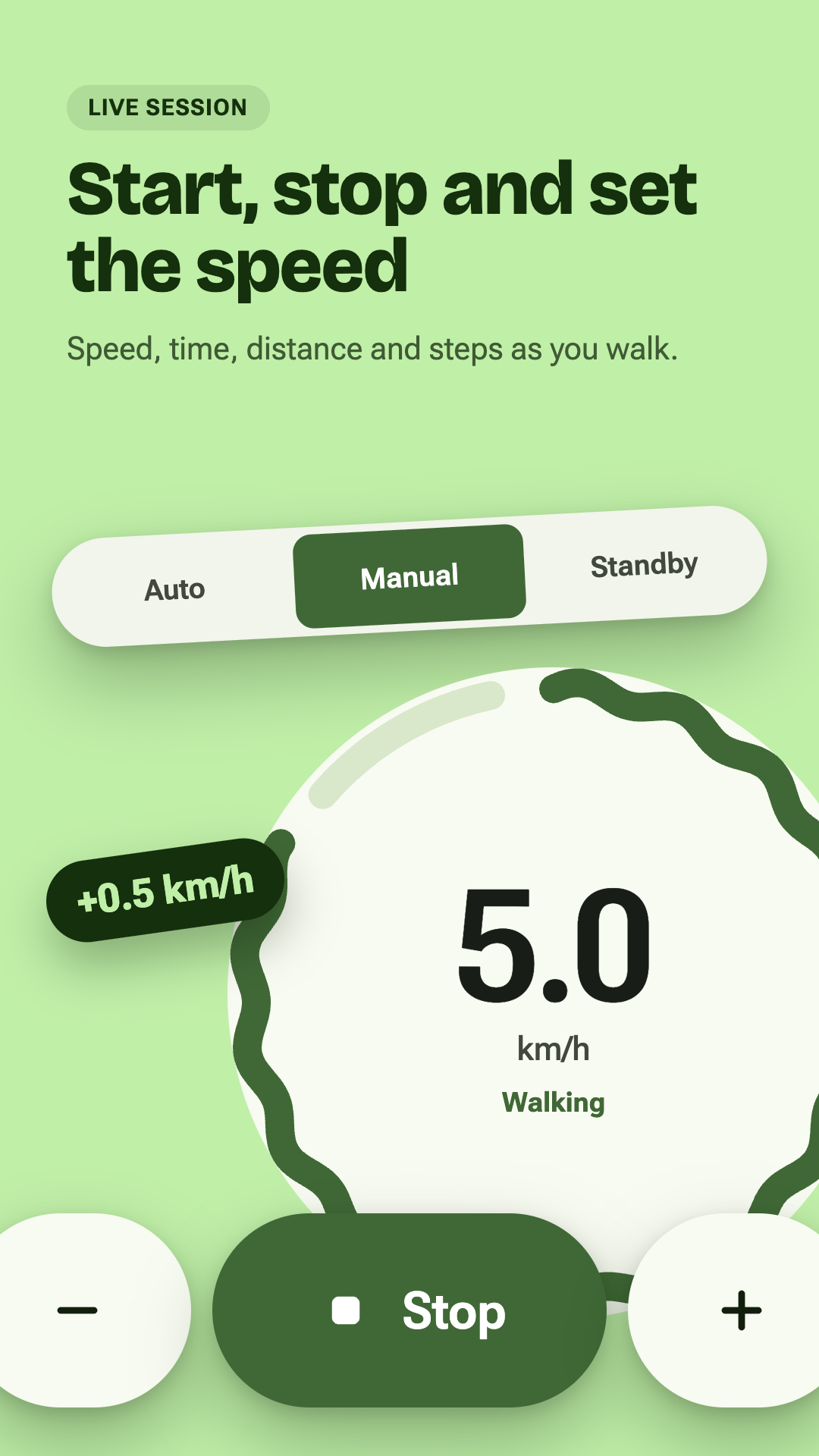
- controlsstart, stop and speed from your phone
- speed shortcutsthree speeds one tap away, and a start speed
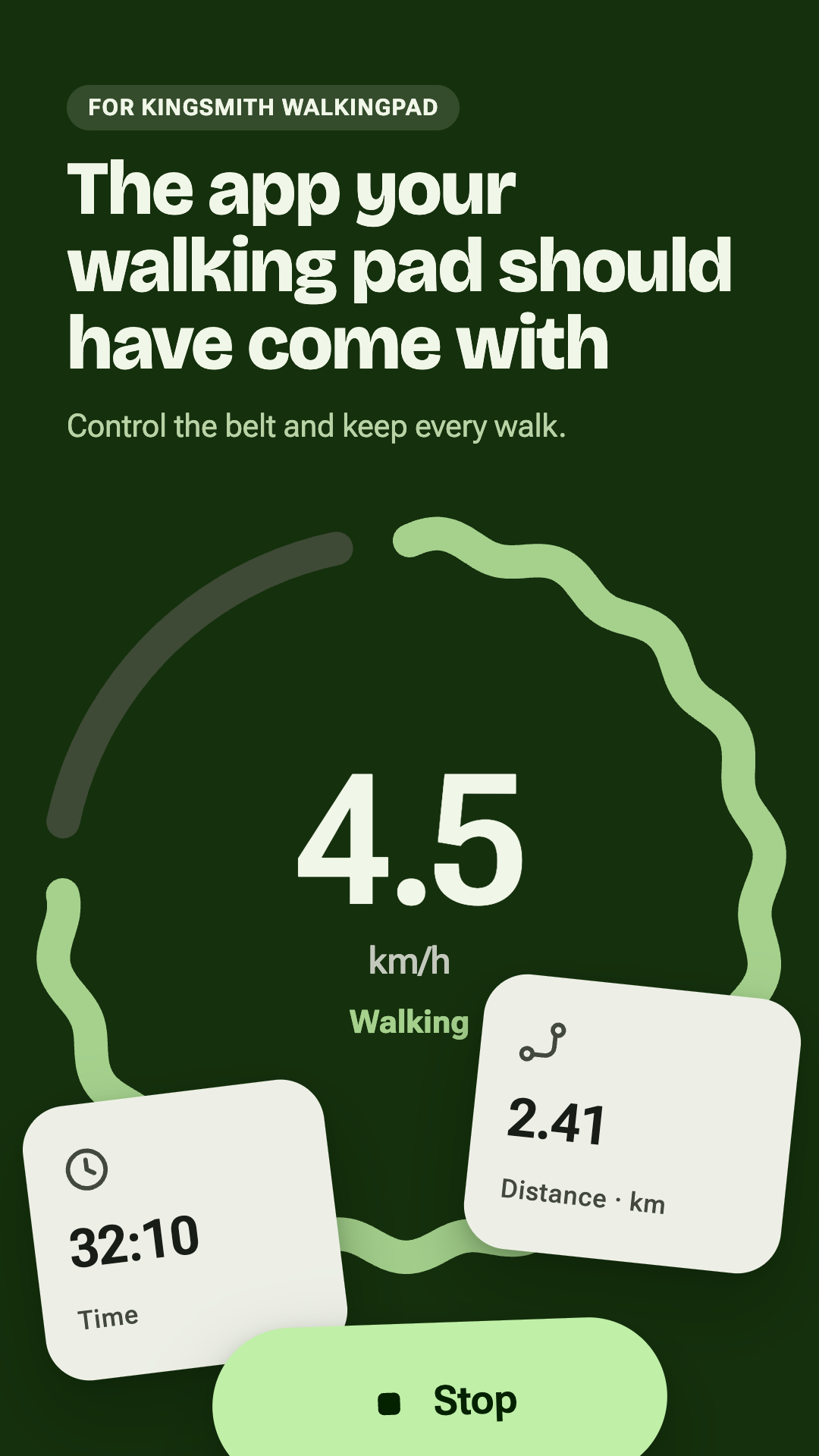
- live sessionspeed, distance, steps and time
- screenstays on while you walk, or records with it off
- auto savesaved as you walk, even if you stop with the remote
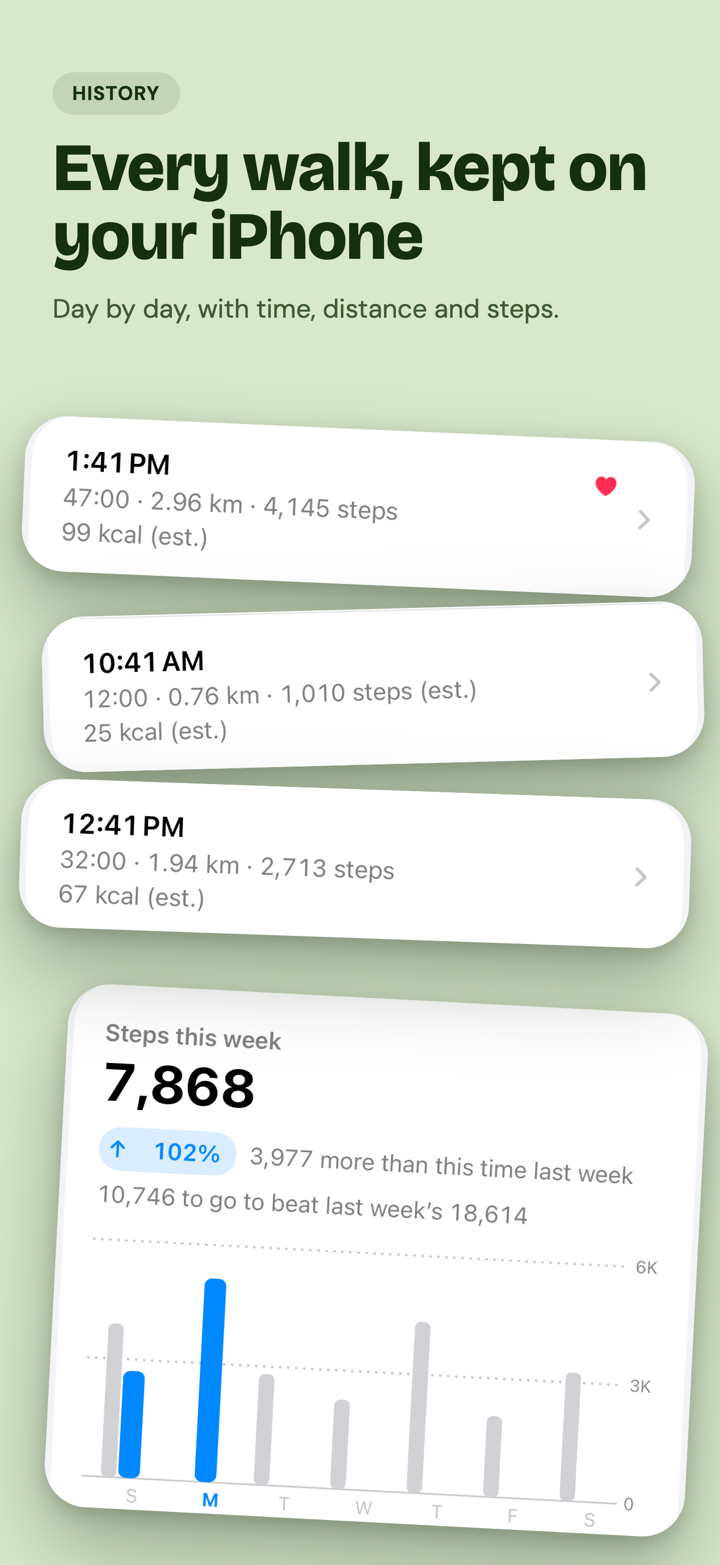
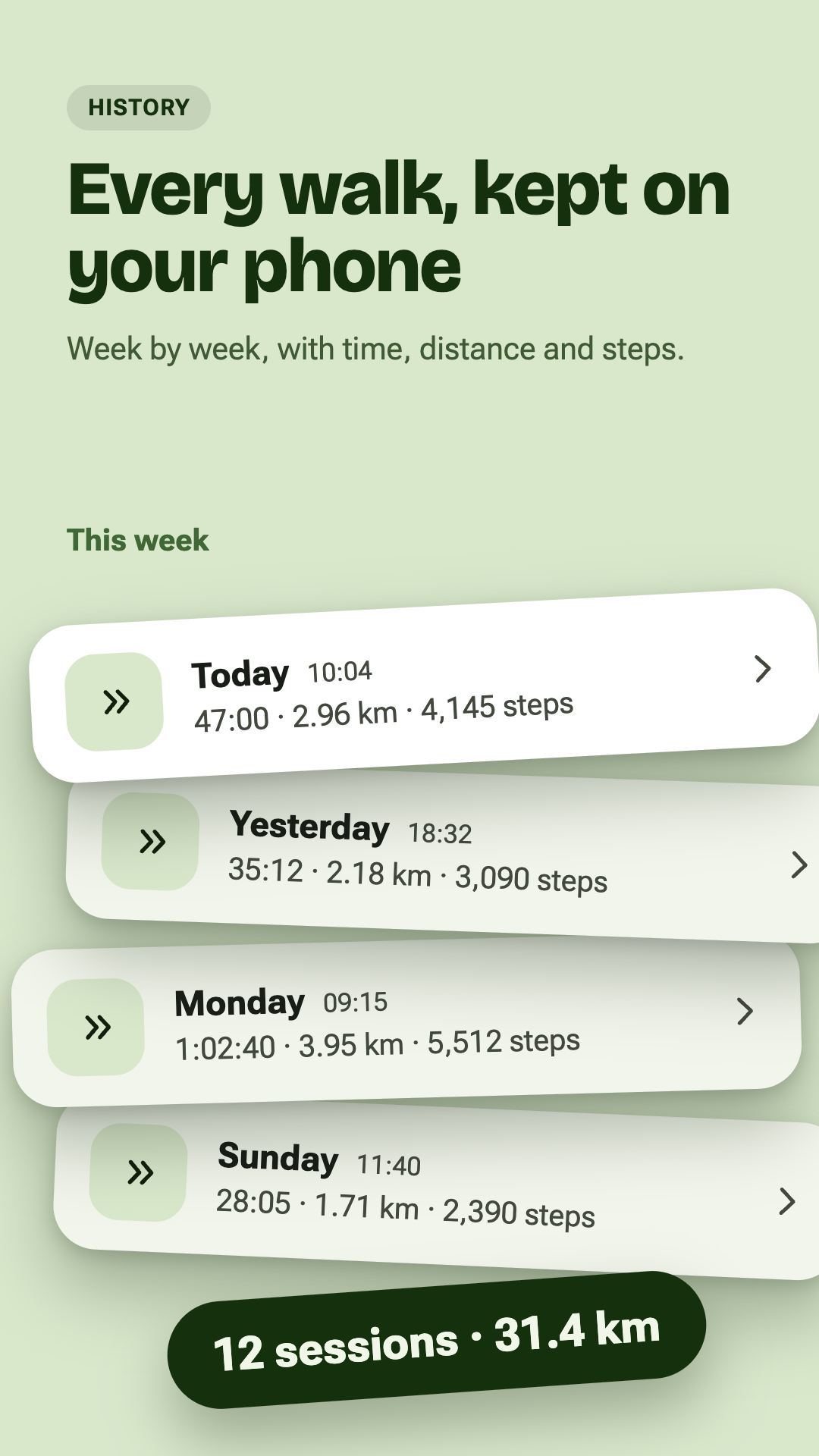
- historyevery walk, kept on your phone
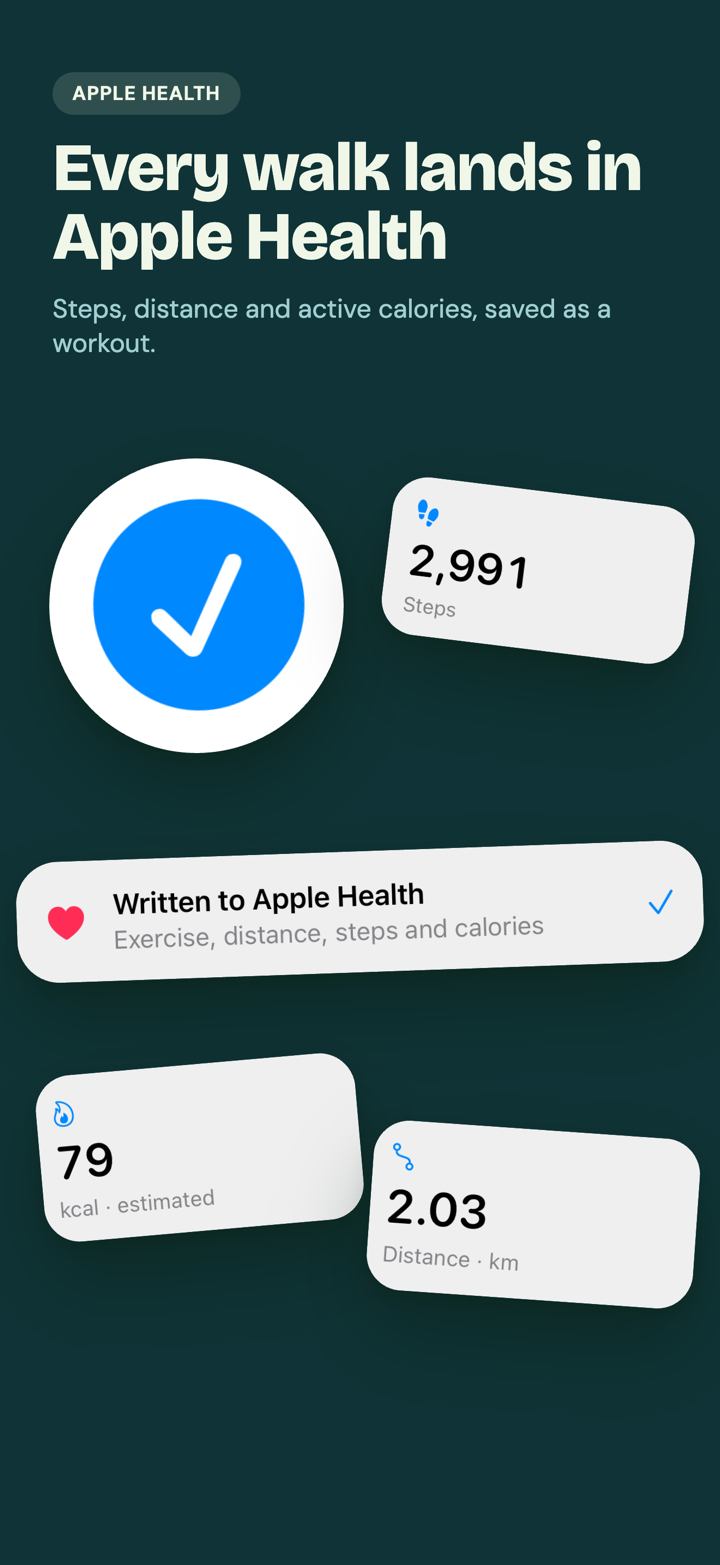
- apple healthiphone: workout, steps, distance, calories
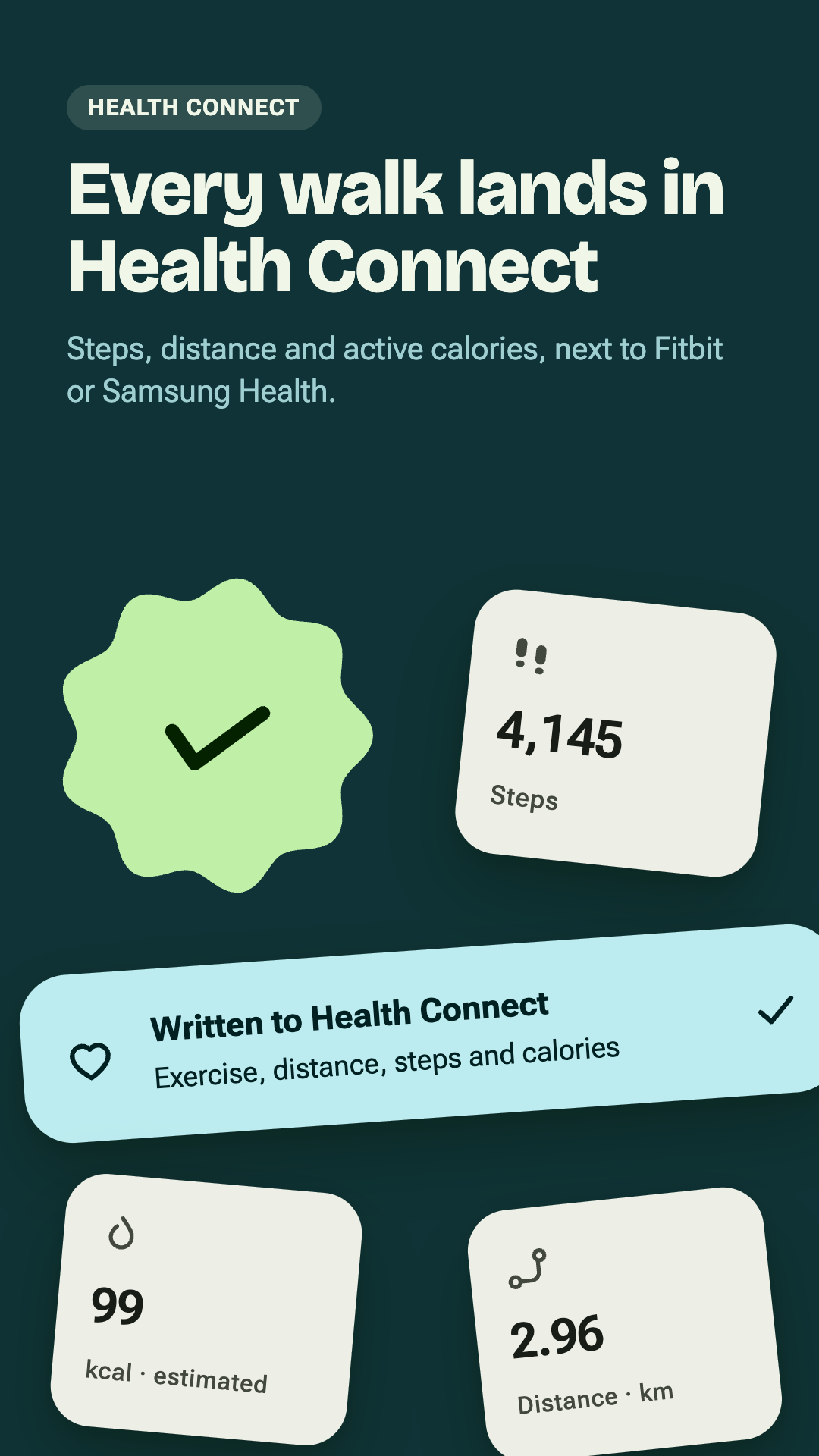
- health connectandroid: exercise, steps, distance, calories
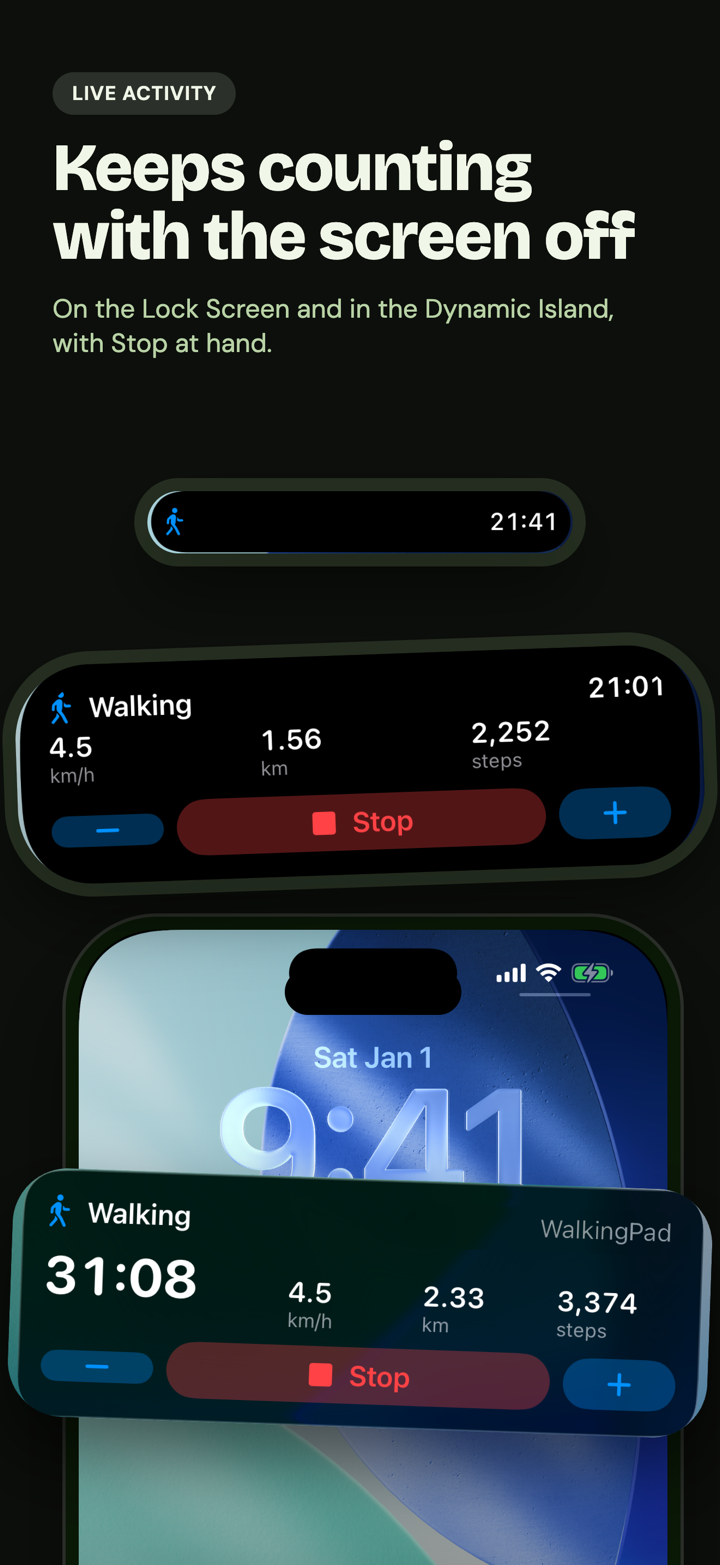
- live activityiphone: lock screen and dynamic island
- languagesenglish and spanish, plus german on android
cat iphone.txt
Every walk goes to Apple Health as a workout, with its steps, distance, walking speed and active calories, so it counts towards your rings. Zancada only writes there and never reads your health data. The Live Activity keeps the walk in view with the phone locked, and you can stop the belt or change the speed from there.
On iPhone you can also connect a Google account in Settings and send each walk straight to Google Health: an exercise with its steps, distance, time and estimated active calories. Zancada only asks Google for permission to add activity data, can't read anything there, and talks to Google directly from your device, with no server of ours in between.
cat android.txt
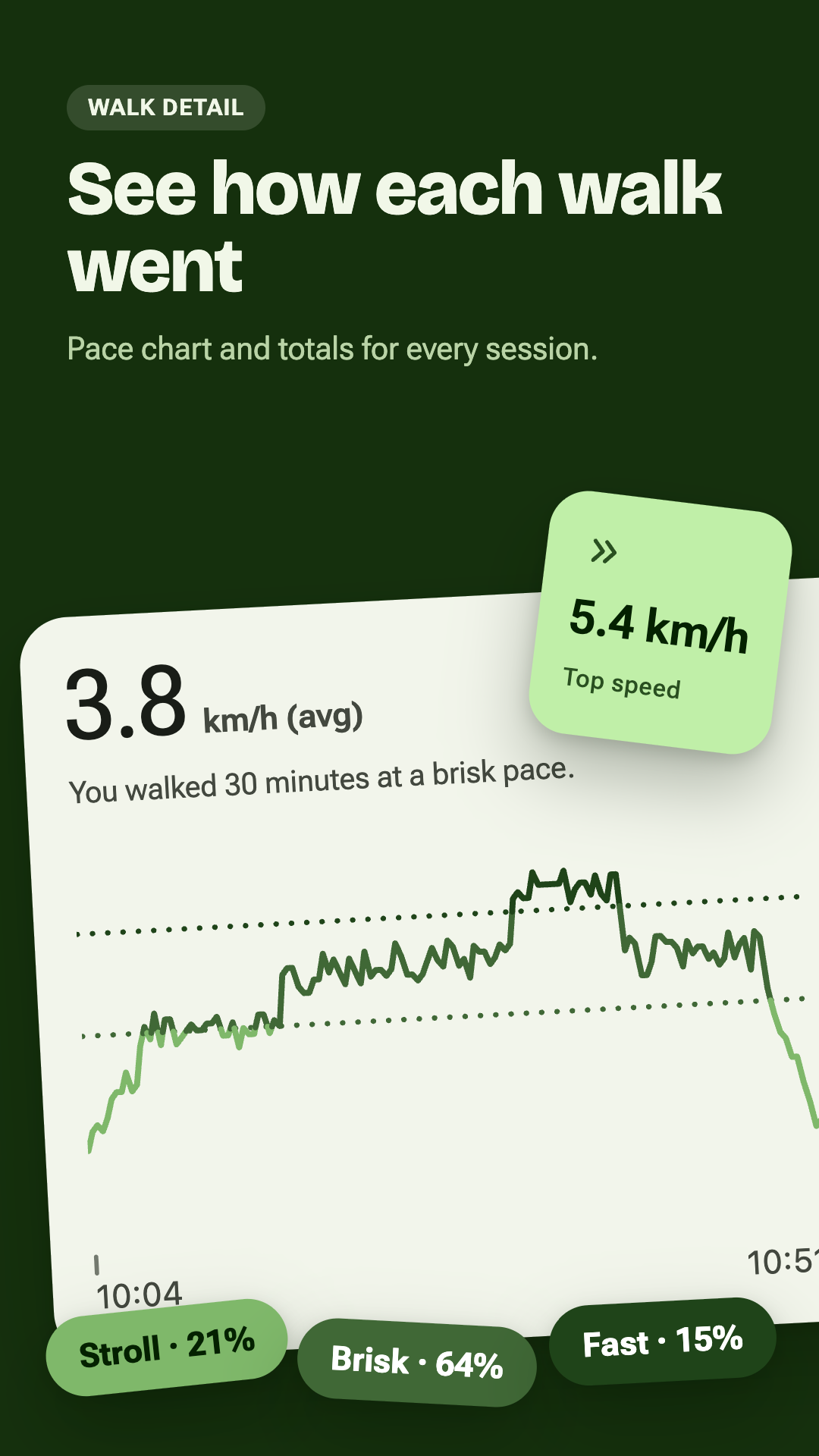
Every walk goes to Health Connect as an exercise, with its steps, distance, speed curve and active calories, so it shows up in Fitbit, Google Health and the other apps that read Health Connect. With the screen off, a notification keeps the walk recording.
cat works-with.txt
Zancada speaks five Bluetooth treadmill protocols, on iPhone and Android alike, and picks the right one when it connects:
- KingSmith WalkingPad: A1, A1 Pro, C1, P1, R1 Pro, R2, K12, K15, T1, the older C2 (KS-BLC) and the Xiaomi Mi WalkingPad, sold through Xiaomi's ecosystem. If your pad pairs with KingSmith's KS Fit app over Bluetooth, it should work.
- KingSmith's newer protocol: the current KS-C2, G1, G1 Pro, MX16, K12 Pro, KS-K9 and the non-FTMS X21. Support is new: if yours doesn't connect, write to me.
- KingSmith WalkingPad Z1 (Z1D, Z1E): Zancada opens the FTMS lock most apps can't get past, and saves the steps the belt counts. Other KingSmith FTMS pads, such as the Z1F, Z1R, R3 Hybrid+, X218 and the FTMS versions of the X21, should work too. Support is new: if yours doesn't connect, write to me.
- LifeSpan desk treadmills with the Omni console (TR1200-DT3, TR5000). Support is new: if yours doesn't connect, write to me.
- FitShow: the WalkingPad N1 Pro and many other walking pads and treadmills that work with the FitShow app.
- FTMS (Bluetooth Fitness Machine Service): the open standard many other brands use. Pads from Urevo, Merach, Mobvoi, Sperax, Toputure, Costway, Goplus, Cursor Fitness, Sunny Health & Fitness, LifeSmart, Xterra, WELLFIT and Decathlon usually speak it and should work, though not every model has been tested.
If your treadmill works with the FitShow app, or with apps like Zwift or Kinomap over Bluetooth, it will most likely work with Zancada. If yours connects, or doesn't, write to [email protected] and I'll help you get it working. If Zancada doesn't recognise it, the app lets you send me its details so I can add it.
Coming from KS Fit? See how Zancada works as a KS Fit alternative.
cat estimates.txt
Treadmills don't measure calories, so Zancada estimates them from your pace and the body weight you enter in Settings. The figure is labelled as an estimate everywhere, and it counts active calories only, with resting metabolism taken out.
Some treadmills don't count steps either — most FTMS ones don't report them. On those, Zancada estimates steps from your speed, using published walking cadence data, and labels them as estimated.
ls screenshots/iphone/
ls screenshots/android/
cat privacy.txt
No account, no ads, no analytics. Zancada has no servers of its own, so your walks stay on your device unless you send them to Google Health yourself; the only other thing that goes online is a purchase, handled by Google Play or the App Store. History lives in local storage, and Health Connect, Apple Health and Google Health records only go where you allow them. On Android, the Bluetooth scan permission is declared "never for location"; on both platforms the app has no location access of any kind. The privacy policy has the details.
cat price.txt
Zancada is free to download on iPhone and Android. Your first three walks are free, and the app tells you how many you have left. After that, pay once and keep it for good, or subscribe weekly; the subscription renews every week until you cancel it in the App Store or Google Play. There are no ads and no servers, so this is how the app pays for itself.
cat NOTICE
Zancada is an independent app. It is not made by, affiliated with or endorsed by KingSmith, Xiaomi, FitShow, LifeSpan, Zwift, Kinomap or any other brand named here. WalkingPad, KS Fit, Xiaomi, FitShow, LifeSpan, Zwift, Kinomap and the other brands named here are trademarks of their respective owners. Apple Health, App Store and the Apple logo are trademarks of Apple Inc. Health Connect, Fitbit, Google Health, Google Play and the Google Play logo are trademarks of Google LLC.